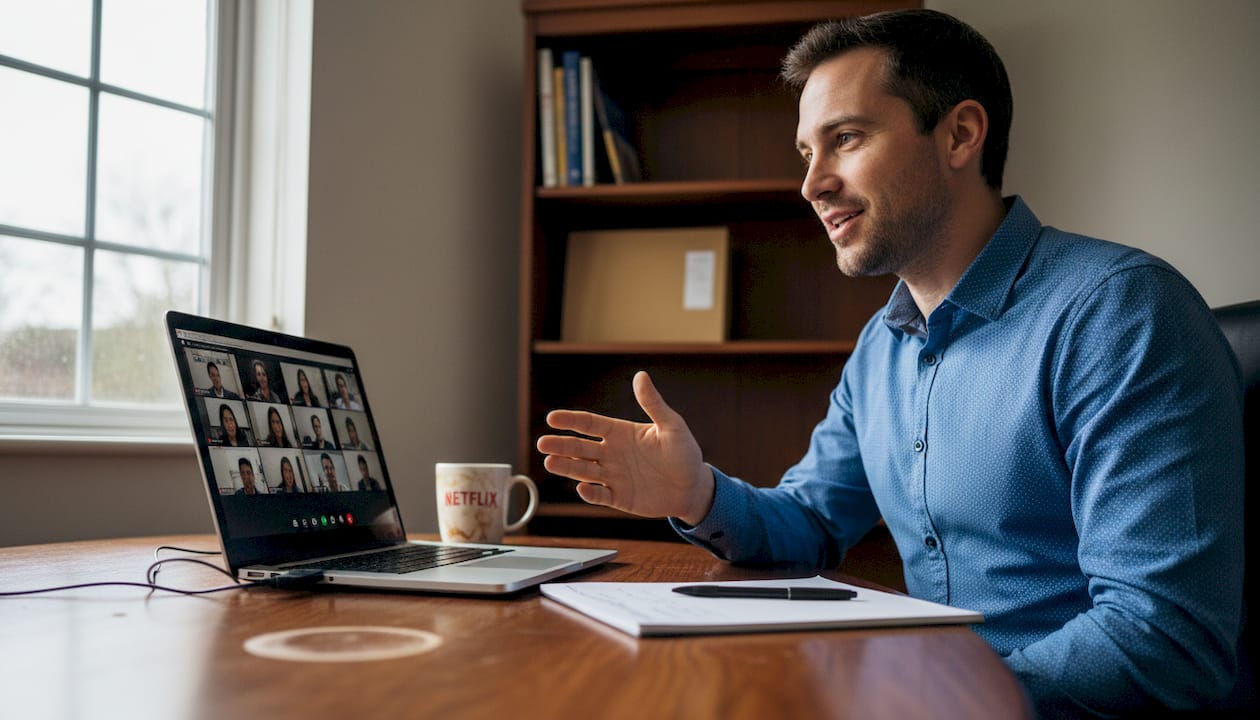
Master Practice Interviews for Confident On-Camera Delivery
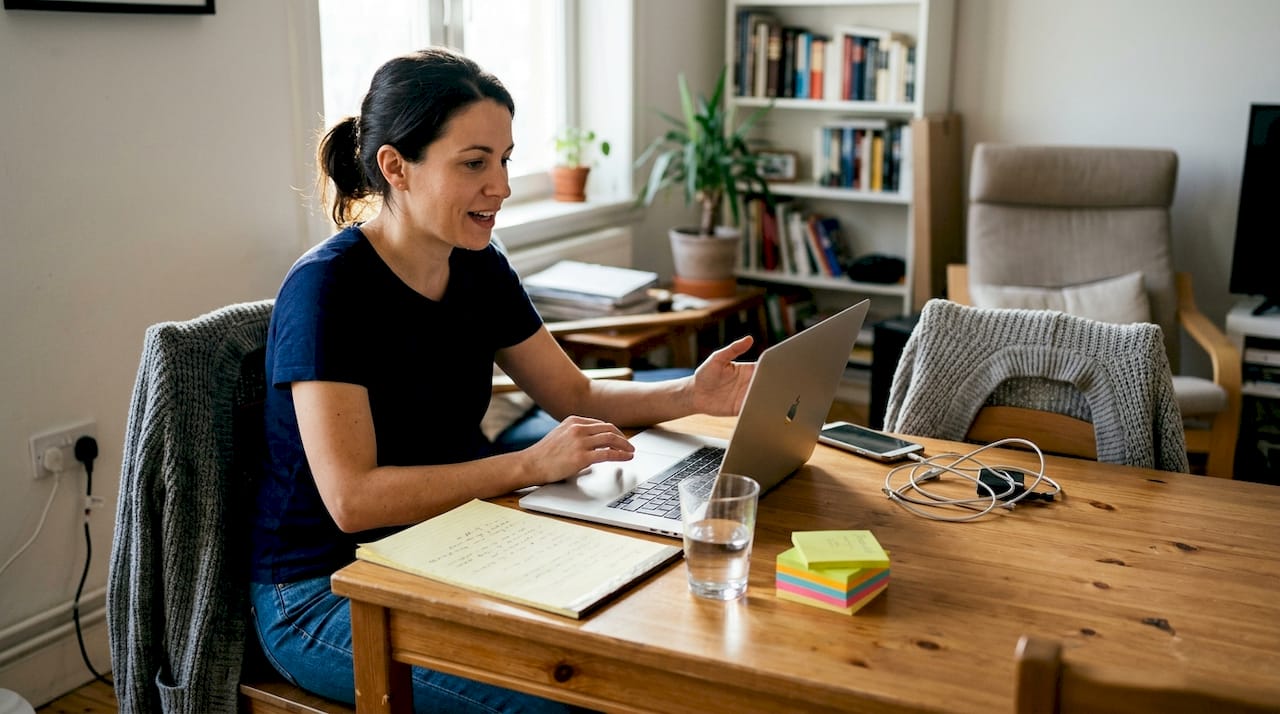
Settling nerves during on-camera interviews often feels challenging, especially for non-native English speakers working in the fast-paced tech landscape of North America. The way you practise can make or break your confidence, with a realistic setup directly influencing how you perform when it counts. By focusing on a well-prepared practice environment, you create space to sharpen your delivery, minimise distractions, and approach your next interview with clarity and composure.
Table of Contents
- Step 1: Set Up Your Interview Practice Environment
- Step 2: Record Realistic On-Camera Interview Answers
- Step 3: Review Immediate Feedback to Identify Key Areas
- Step 4: Refine and Track Improvements in Your Delivery
Quick Summary
| Key Points | Explanations |
|---|---|
| 1. Set Up a Distraction-Free Space | A quiet environment helps your focus and reduces anxiety, mirroring actual interview conditions. |
| 2. Record Your Responses on Camera | Filming your answers allows you to evaluate your delivery, body language, and answer structure. |
| 3. Review for Immediate Feedback | Watching your recordings helps identify areas for improvement and reinforces learning. |
| 4. Establish Measurable Goals | Specific targets, like reducing filler words, make progress easy to track and accomplish. |
| 5. Track Your Improvements | Regular recording and self-assessment build confidence and highlight development over time. |
Step 1: Set Up Your Interview Practice Environment
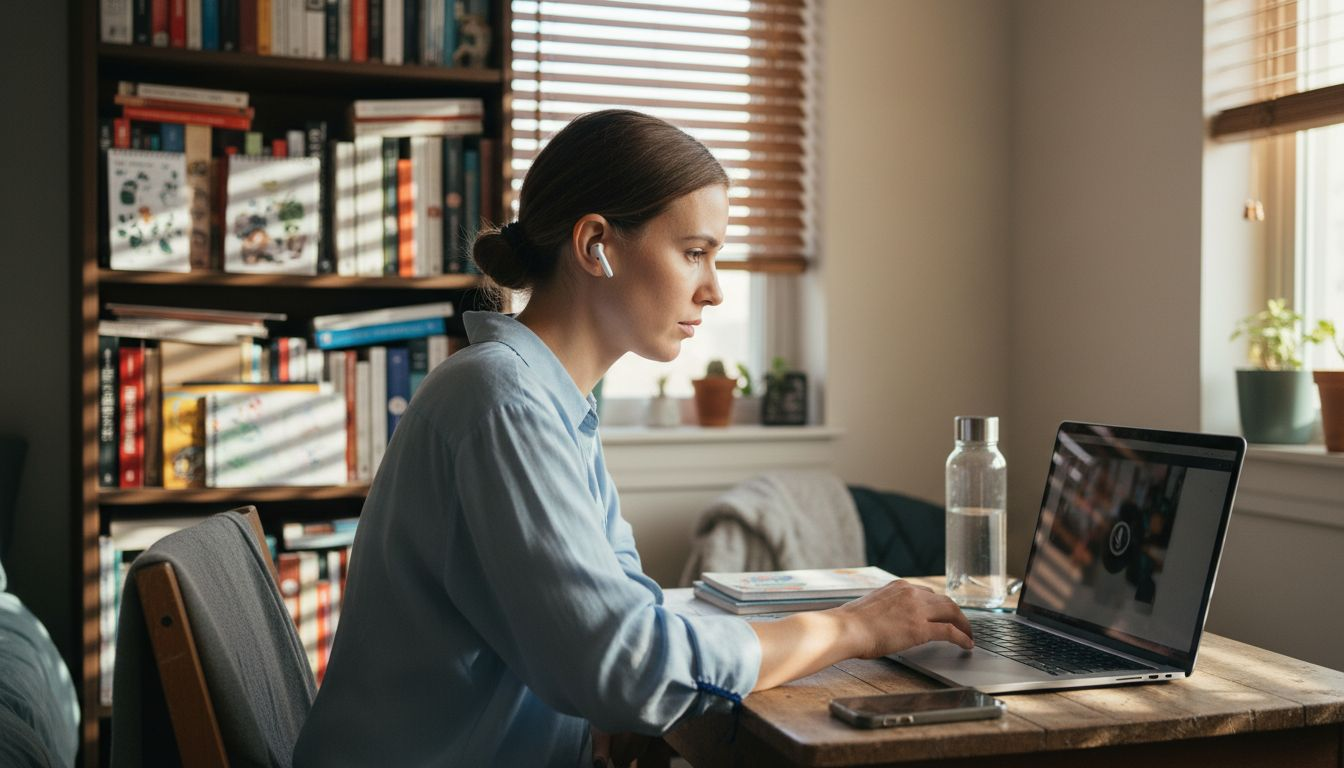
Your practice space has a direct impact on how realistic your mock interviews feel. When you practise in an environment that closely mirrors actual interview conditions, your brain adapts faster and nerves settle more easily on the real day. Let’s build a space that works for you.
Choose a quiet, distraction-free location. This is non-negotiable. Select a room where you won’t hear traffic, household members, or pets in the background. Close windows if street noise bleeds through, and ask others in your home to avoid interrupting during your practice sessions.
Optimise your background and lighting. A neutral background—think a plain wall, bookshelf, or simple curtain—looks professional on camera. Poor lighting makes you look tired and washes out your skin tone. Position yourself facing a window or soft lamp so light falls on your face, not behind it. Avoid sitting with a bright window directly behind you; this creates a silhouette effect.
Prepare your technical setup ahead of time. Test your webcam, microphone, and internet connection before you start. Your laptop or smartphone camera should be at eye level—prop it up on books or a stand rather than looking down at it. Check audio quality by recording a short test clip; you want to hear yourself clearly without background hum or echo.
Have your materials ready.
- Copy of your resume and the job description
- Notepad and pen for jotting notes between takes
- Professional clothing (the same outfit you’d wear to the real interview)
- Water nearby to stay hydrated during longer practice sessions
Practising in realistic conditions—including wearing professional attire—creates muscle memory that translates to confidence when it matters.
A well-prepared practice environment removes variables, letting you focus entirely on how you communicate your answers.
Once your space is ready, you’re already positioned to practise more effectively. The less you worry about technical issues or distractions, the more mental energy you have for refining your delivery and how to prepare for interviews with clear, confident delivery.
Pro tip: Record a few test videos in your practice space before your mock interview session begins, then review them to spot any lighting issues, background distractions, or audio problems you can fix before they affect your actual practice.
Step 2: Record Realistic On-Camera Interview Answers
Recording your answers on camera is where theory meets reality. This is your chance to see exactly how you come across to an interviewer, spot habits you didn’t know you had, and build genuine confidence before the actual interview.

Start by selecting 5 to 10 common interview questions relevant to your target role. Questions like “Tell me about yourself” or “Why do you want this role?” appear in almost every interview. Write down your answers beforehand, but avoid memorising them word-for-word; you want natural-sounding responses, not recitations.
Position your camera at eye level. Your webcam or smartphone should sit at the same height as your eyes when you sit naturally. Looking down at the camera makes you seem less confident; looking up feels unnatural. Hit record and answer the question as if speaking directly to the interviewer on the other end.
Speak clearly and at a measured pace that allows your words to land properly. Non-native English speakers often rush when nervous; this makes you harder to understand and sounds less assured. Pause briefly between thoughts. Maintain eye contact with the camera as if it were a real person sitting across from you.
Review every recording immediately. Watch yourself with an open mind. Notice:
- Filler words such as “um,” “like,” or “you know”
- Repetitive phrases or nervous habits
- Moments where you lose eye contact or fidget
- Whether your pace feels rushed or too slow
- If your background or lighting needs adjustment
Record the same question two or three times if your first attempt felt rough. Each take gets better as you grow comfortable with the material.
The discomfort of watching yourself on camera fades quickly, and the confidence gains are immediate and measurable.
Use real-time feedback to refine your answers before moving on. This cycle of record, review, and re-record builds muscle memory that transfers directly to your actual interview. Understanding how to build confidence on camera will strengthen your delivery further.
Pro tip: Record at least one full “mock interview” where you answer five questions back-to-back without stopping, simulating the actual pacing and energy of a real interview conversation.
Step 3: Review Immediate Feedback to Identify Key Areas
Watching your recording is uncomfortable. That’s actually a sign you’re learning something. Immediate feedback is where your practice transforms from repetition into real improvement, highlighting exactly what to adjust for your next attempt.
Start by watching your entire recording without stopping. Resist the urge to pause and critique every sentence. You need the full picture of how you come across overall. Notice your energy, pacing, and whether your message feels clear or muddled.
Now watch it again, this time taking notes. Focus on these specific areas:
- Filler words and verbal tics that distract from your message
- Moments where clarity dropped or you stumbled over words
- Eye contact consistency (did you look away or seem distracted?)
- Pacing and whether you rushed through key points
- Body language, gestures, and whether you seemed tense or relaxed
- How well you answered the actual question asked
Identify your top three problem areas. You cannot fix everything at once. Prioritise what matters most. If you use filler words constantly, tackle that. If your answer wanders off-topic, focus on structure. If you sound uncertain, work on confidence in your delivery.
Research shows that real-time feedback on recorded responses enables rapid self-assessment and allows you to refine your approach in subsequent attempts. The sooner you identify these patterns, the sooner you can correct them.
Plan your next recording strategically. Know exactly what you will do differently. Will you speak slower? Pause longer between thoughts? Maintain eye contact longer? Write down your adjustment, then record again immediately whilst the feedback is fresh in your mind.
The goal is not perfection—it’s measurable progress from one take to the next.
Each review cycle strengthens your awareness of how you communicate. Over time, these habits become automatic, and you stop needing to think about them consciously. This is how effective speaking transforms interview success.
Here is a summary of common issues identified during mock interview review and ways to address them:
| Issue Detected | Typical Impact | Recommended Strategy |
|---|---|---|
| Overusing filler words | Reduces clarity, sounds nervous | Slow speech, pause to think |
| Lack of eye contact | Appears unconfident | Focus on lens, practise with mirror |
| Wandering off-topic | Weakens answer structure | Outline points before speaking |
| Rushing answers | Hard to follow, unclear | Deliberately slow pacing |
| Tense body language | Can distract interviewer | Relax posture, practise gestures |
Pro tip: Use the three-take method: record once, review and identify issues, record a second time with specific adjustments, then record a third time to cement the improvement and build confidence.
Step 4: Refine and Track Improvements in Your Delivery
Practice without tracking progress feels like running on a treadmill—you’re working hard but going nowhere. This step transforms your effort into visible improvement by establishing measurable goals and building a feedback loop that compounds over time.
Set specific, measurable goals for each practice session. Rather than “sound more confident,” aim for “reduce filler words from 12 per answer to 8 per answer” or “maintain eye contact for at least 80% of the response.” Measurable targets give you something concrete to improve toward and a clear way to know you’ve succeeded.
Create a simple tracking spreadsheet or document. Record:
- The question you answered
- Date and take number
- Key metrics (filler words count, pacing speed, clarity rating 1-10)
- Specific areas you improved
- Areas still needing work
- Your adjustment plan for the next attempt
Aim for incremental progress, not perfection. Iterative refinement through self-assessment means making small adjustments repeatedly rather than attempting massive changes. If your last take had nine filler words and this one has seven, that’s genuine progress. Celebrate it.
Review your tracker every two weeks. Look for patterns. Are certain question types more challenging? Do you rush when discussing technical topics? Does your confidence drop mid-response? These patterns show you where deliberate practice will yield the biggest gains.
Compare recordings from week one to week four. The difference will surprise you. Your pace will feel steadier, your eye contact more natural, your answers more structured. You’ll hear yourself sounding more polished and less anxious.
Progress compounds quietly at first, then suddenly becomes undeniable.
This data-driven approach removes the guesswork from interview preparation. You know exactly what improved and why, which builds genuine confidence rather than false optimism. Structured practice using feedback loops systematically enhances your communication skills.
Below, compare key benefits of regular progress tracking during interview practice:
| Tracking Benefit | Interview Outcome | Example Indicator |
|---|---|---|
| Clear improvement path | Continuous skill enhancement | Reduced filler word count |
| Pattern recognition | Targeted practice opportunities | Focused question refinement |
| Motivation boost | Stronger confidence each session | Higher self-assessment score |
| Data-driven feedback | Objective performance evaluation | Measurable weekly metrics |
Pro tip: Record the same five interview questions once per week and track metrics week-over-week, allowing you to see measurable improvement across your entire answer set rather than random one-off recordings.
Take Your On-Camera Interview Practice to the Next Level with Pavone.ai
The article highlights the crucial challenge of creating a realistic practice environment and mastering confident on-camera delivery by recording, reviewing, and refining your answers. If you find yourself struggling with nervous habits, filler words, or pacing during mock interviews, these are common pain points that Pavone.ai is designed to address directly. Instead of relying solely on self-review, Pavone.ai offers immediate, detailed feedback on clarity, confidence, structure, and pacing to help you polish your delivery every time.
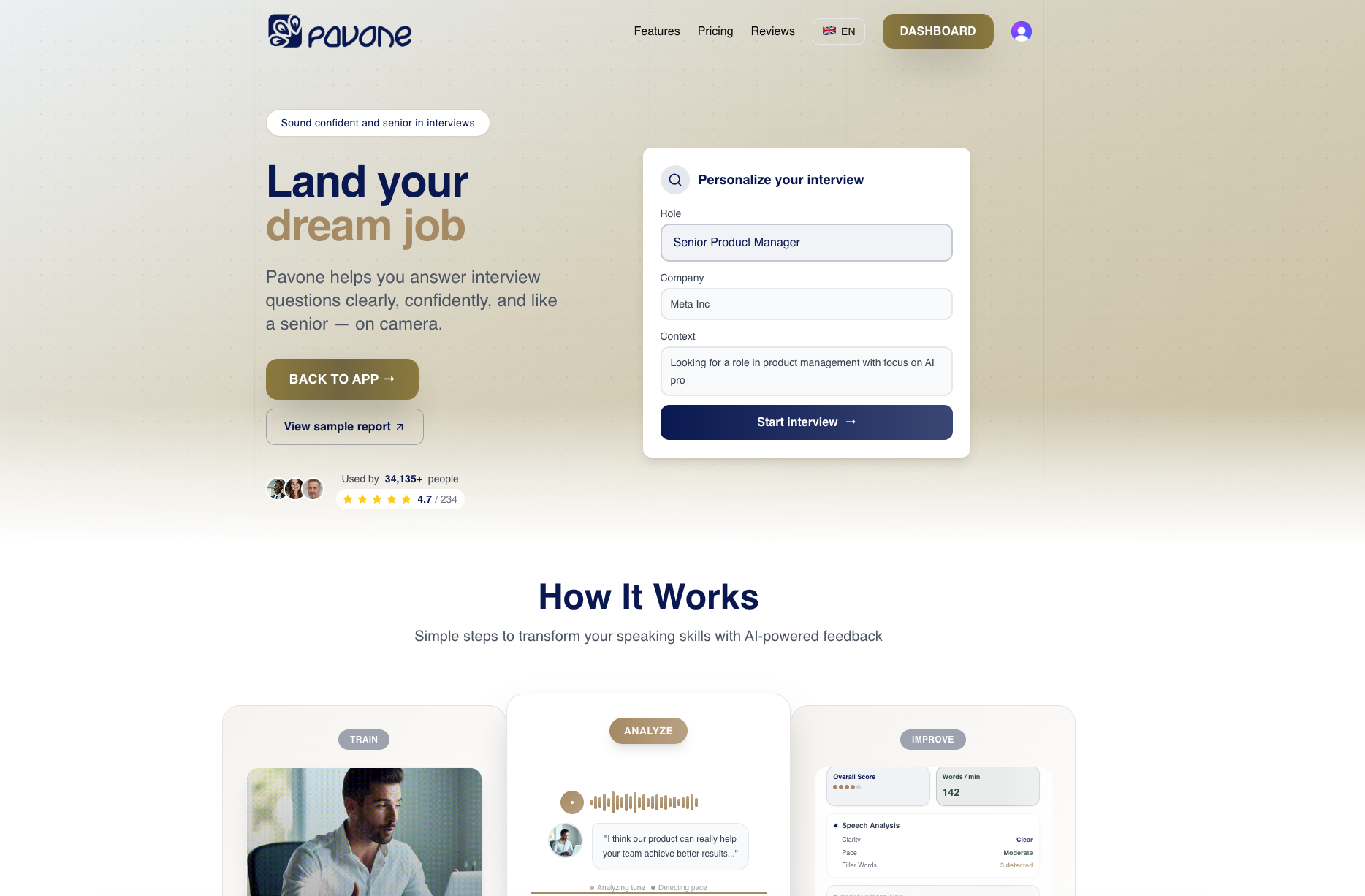
Enhance your preparation with Pavone.ai’s private platform that acts like a personal interview coach. Practise common interview questions, track your progress, and reduce anxiety through short, realistic sessions that fit your schedule. Start transforming your communication skills today and enter your next interview with genuine confidence by visiting Pavone.ai. Learn more about how to prepare for interviews with clear, confident delivery and discover tips on building confidence on camera to truly stand out.
Frequently Asked Questions
How can I create a distraction-free practice interview environment?
To create a distraction-free practice interview environment, select a quiet room away from traffic and household noise. Close windows, ask others to avoid interruptions, and ensure no pets are in the vicinity during your mock interviews.
What materials should I prepare before my practice interviews?
Before your practice interviews, prepare a copy of your resume, the job description, a notepad and pen, and a bottle of water. Also, lay out your professional clothing ahead of time to help you mentally step into the interview mindset.
How should I position my camera for on-camera practice?
Position your camera at eye level to create a confident appearance on screen. Use books or a stand to raise your laptop or smartphone, allowing you to engage naturally with the camera as if speaking to a real interviewer.
What specific goals should I set for practice sessions?
Set specific goals such as reducing filler words from 12 to 8 per answer or maintaining at least 80% eye contact during responses. These measurable targets will help you track improvement and focus your practice on key areas.
How often should I review my recordings for feedback?
Review your recordings immediately after each practice session to gather immediate feedback on your performance. Aim to watch at least twice, taking notes on areas such as clarity, pacing, and body language to refine your delivery in follow-up recordings.
What is the three-take method for recording interviews?
The three-take method involves recording your response three times: once for the initial attempt, once to implement specific improvements based on feedback, and a final take to consolidate your enhancements. This process helps build confidence and enables you to see measurable progress with each recording.
Recommended
Ready to practice?
Start improving your speaking skills with AI-powered feedback and analysis.
Try Pavone Free